


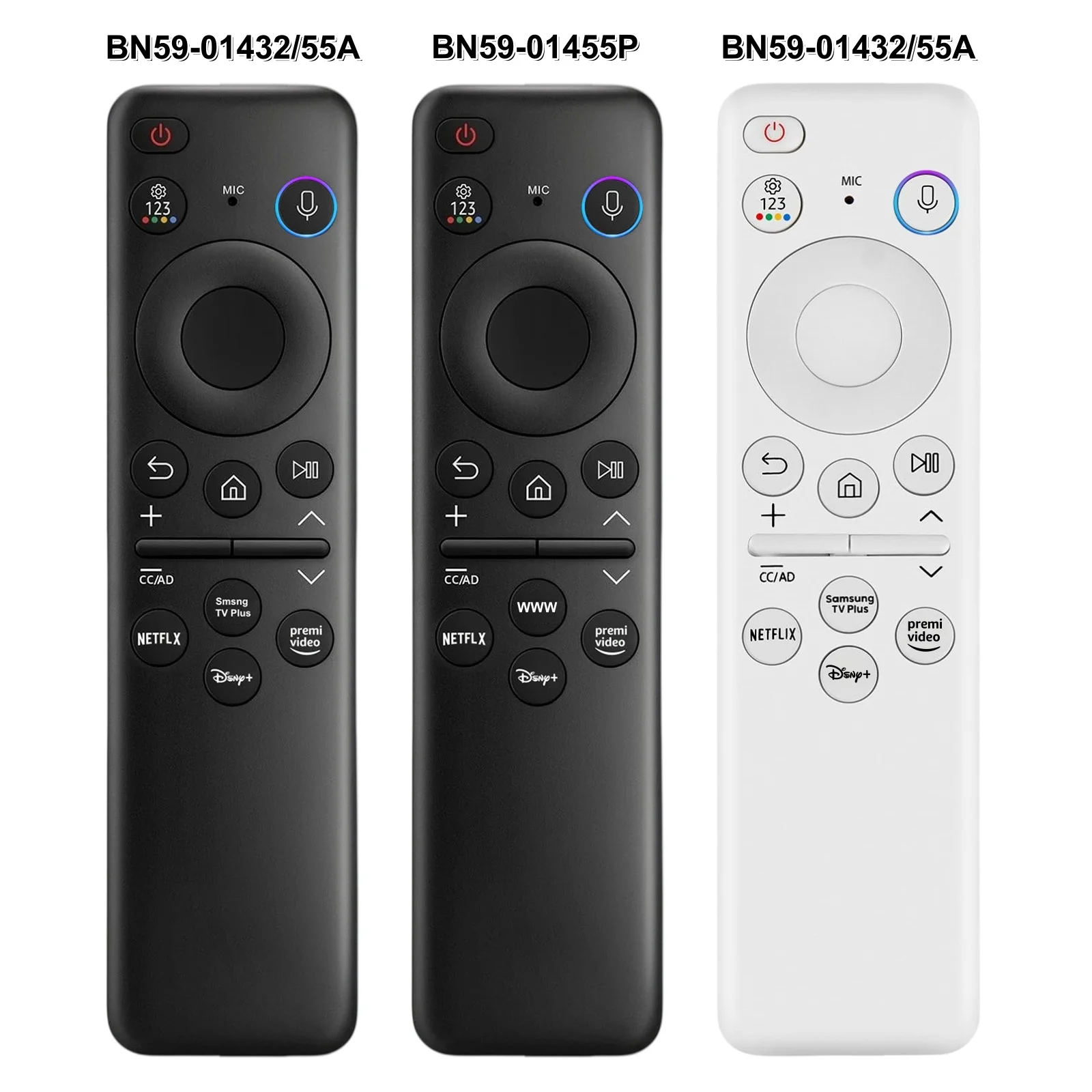
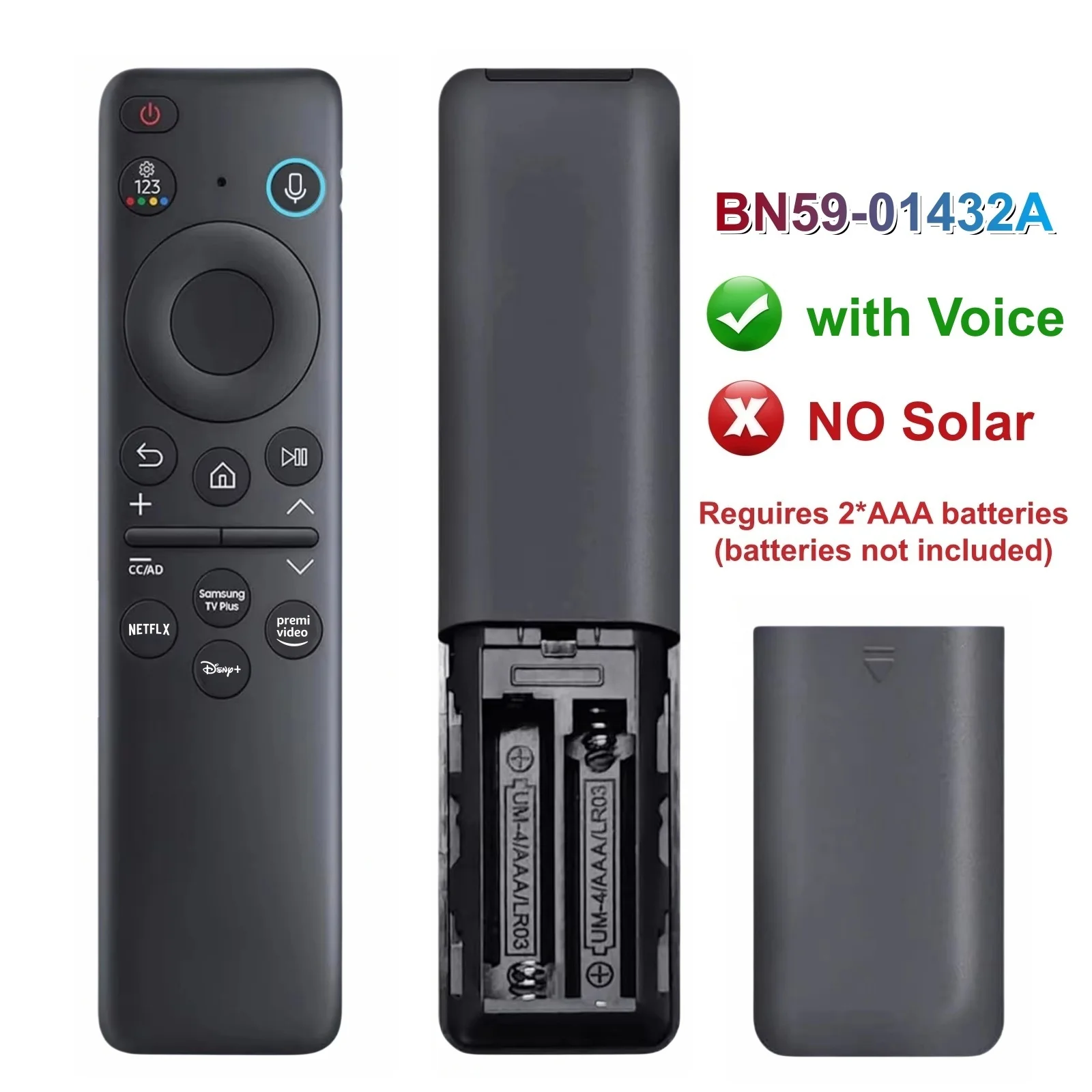
BN59-01432A/1455A Voice Remote for Samsung Smart TVs
BN59-01432A-Voice-W / China Mainland / No plug
220,95 kr
Angebotspreis
220,95 kr
Normaler Preis
0,00 kr
Zu Produktinformationen springen



BN59-01432A/1455A Voice Remote for Samsung Smart TVs
220,95 kr
Angebotspreis
220,95 kr
Normaler Preis
0,00 kr
SPECIFICATIONS
Brand Name: OEAI
Certification: CE,RoHS
Channel: 4
Choice: yes
Form-factor: Others
Frequency: 433 MHz
High-concerned chemical: none
Model Number: BN59-01432A
Origin: Mainland China
Package: Yes
Support APP: No
Use: TV
Wireless Communication: IR
semi_Choice: yes
【Please Note Before Purchase】
①.Please make sure your original remote has voice function or your smart TV supports voice feature. Please do NOT purchase if it does not support voice.
②.Before pairing, please ensure the old remote control is powered off. Unplug your set-top box if available, and turn off or stay away from Wi-Fi networks.
【Please select the Correct SKU】
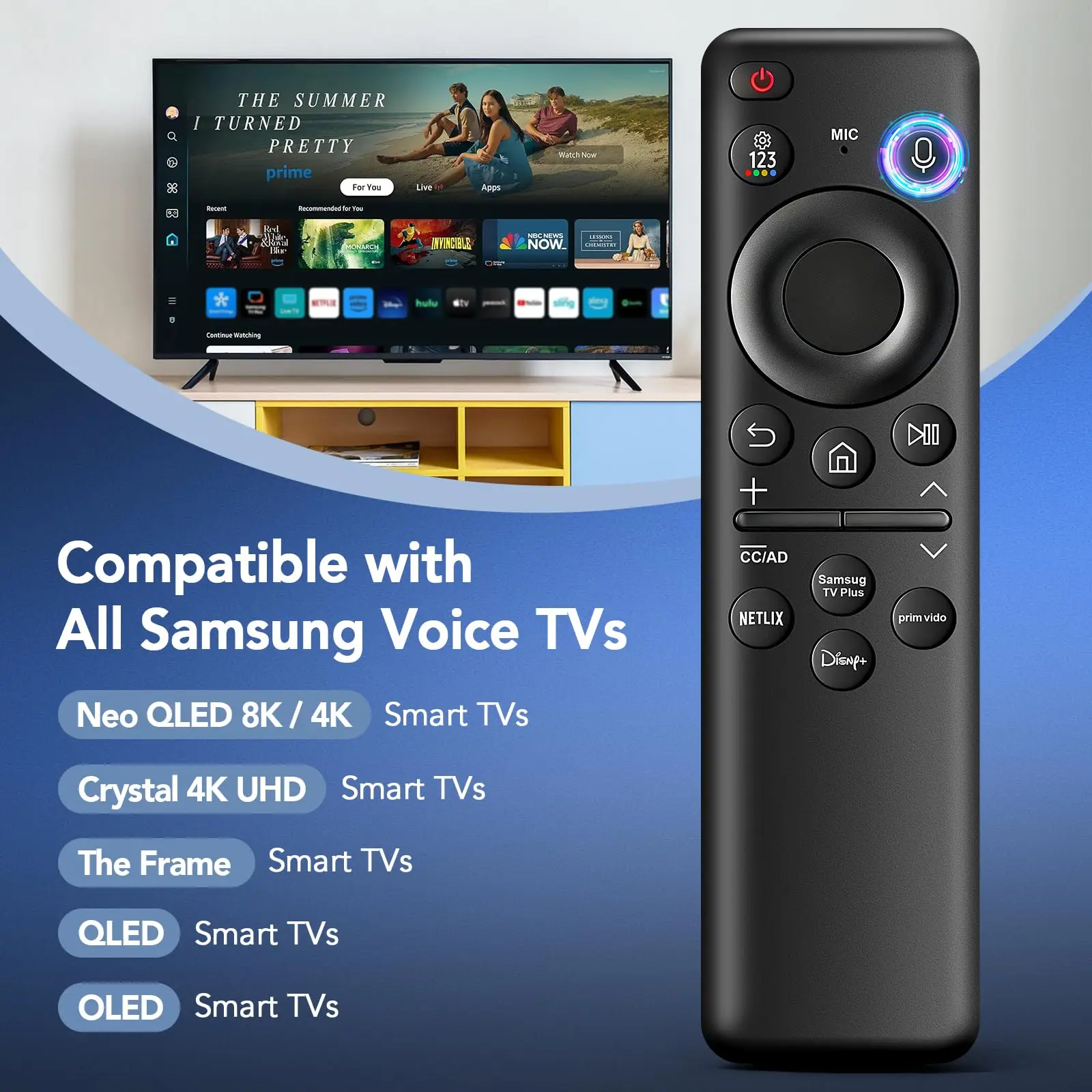
1.【Universal Compatibility】Rechargeable remote control for various Samsung Smart TVs and Samsung Smart Monitors, such as S95D, S95C, S95B, S90D, S90C, S9, S85D, QNX1D, QN990C, QN95BD, QN95B, QN90D, QN90CD, QN90C, QN90B, QN900D, QN900C, QN900B, QN85D, QN85CD, QN85C, QN85B, QN850C, QN800D, QN800C, QN800B, QN100B, QE1D, QE1C, Q80D, Q80CD, Q80C, Q80B, Q70D, Q70CD, Q70C, Q60D, Q60C, Q60B, MS1B, LST9C, LSP3B, LS03D, LS03C, LS03BD, LS03B, LS01D, LS01B, DU9000, DU8000, CU8000D, CU8000, BG970N, TU8200, TU8300, TU850D, TU9000 series etc
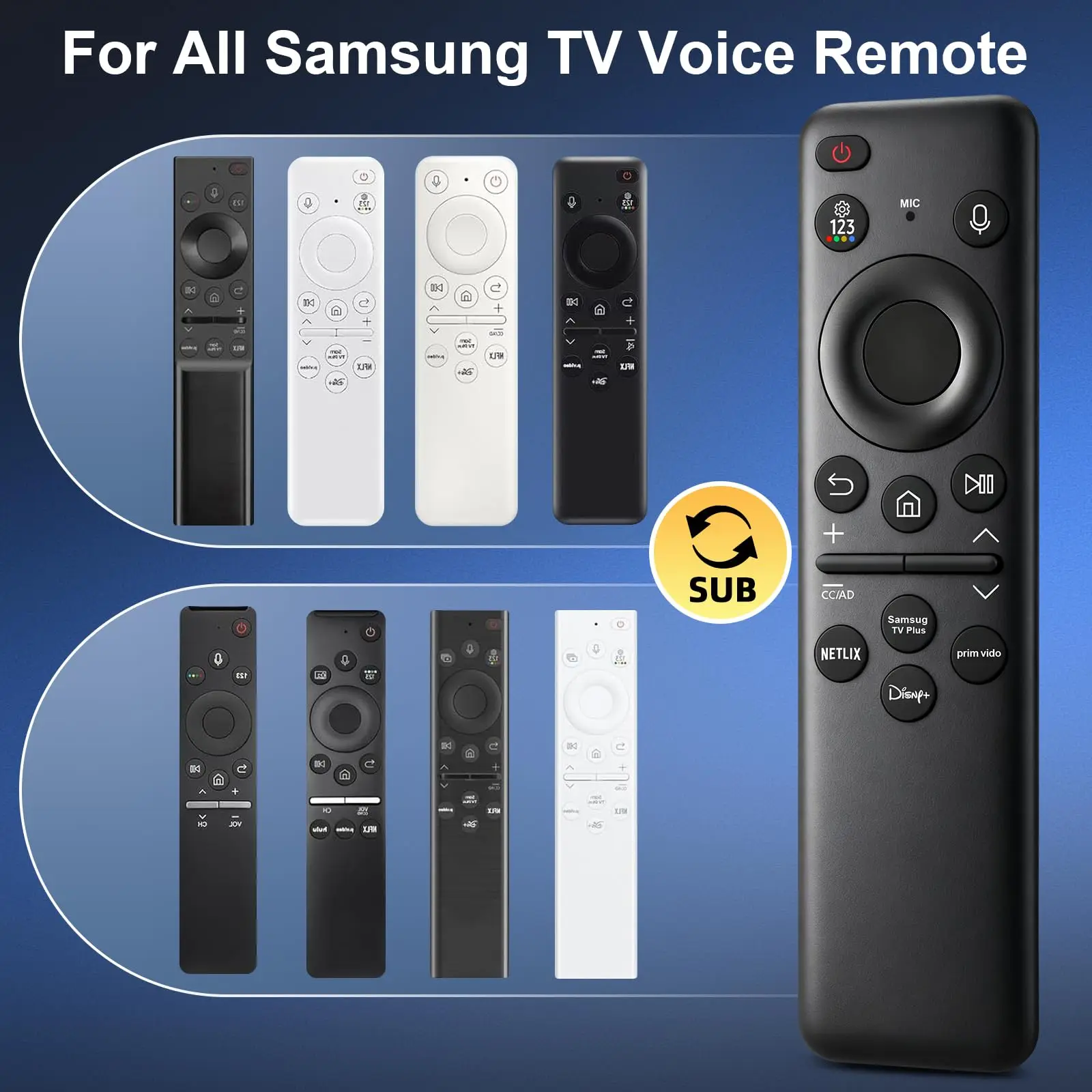
2.【Controller support】Universal remote for All Samsung tv remote control models: BN59-01385A, BN59-01315A, BN59-01312A, BN59-01266A, BN59-01260A, BN59-01357A, BN59-01432A, BN59-01456A, BN59-01330A, BN59-01329A, BP59-00149A, BN59-01391A etc
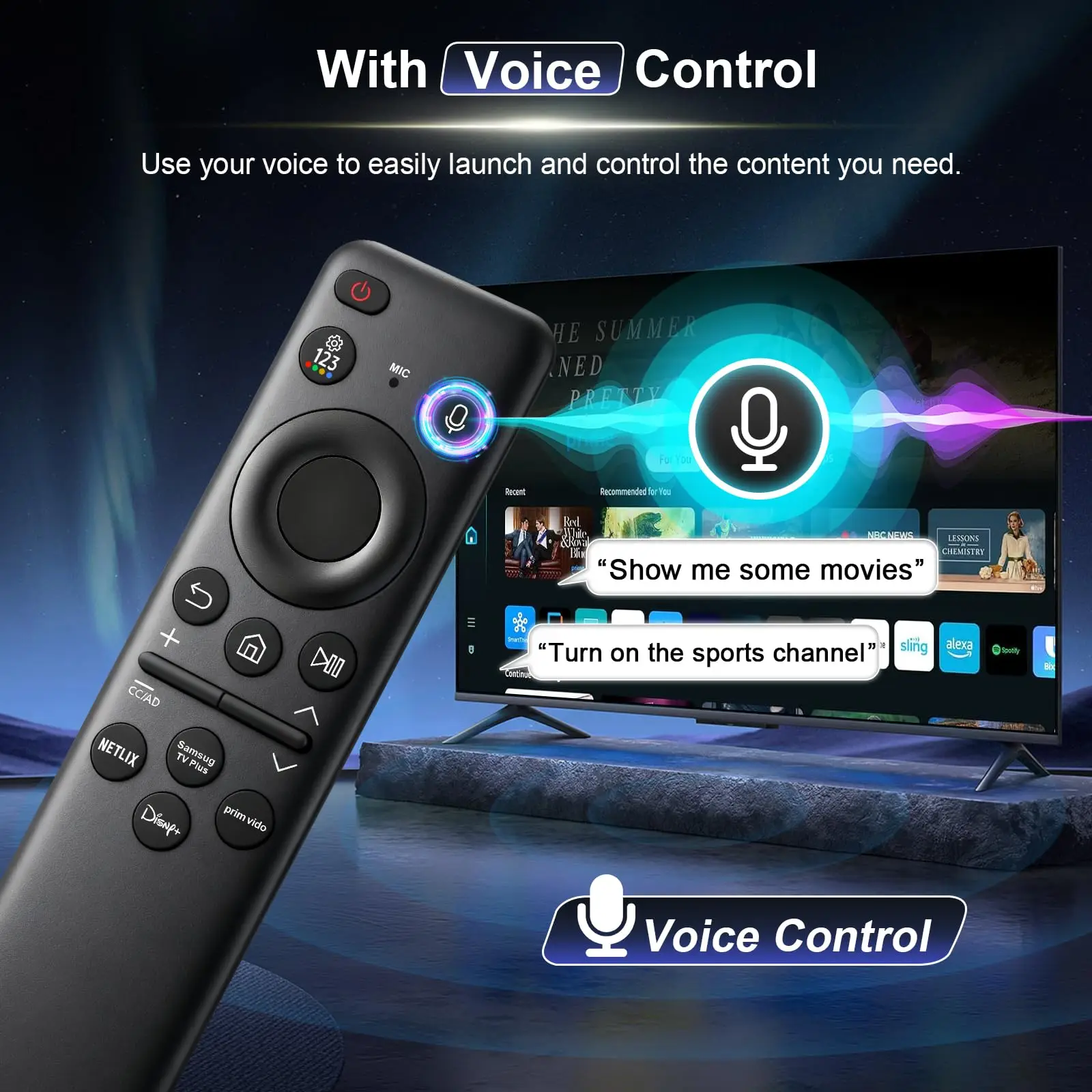
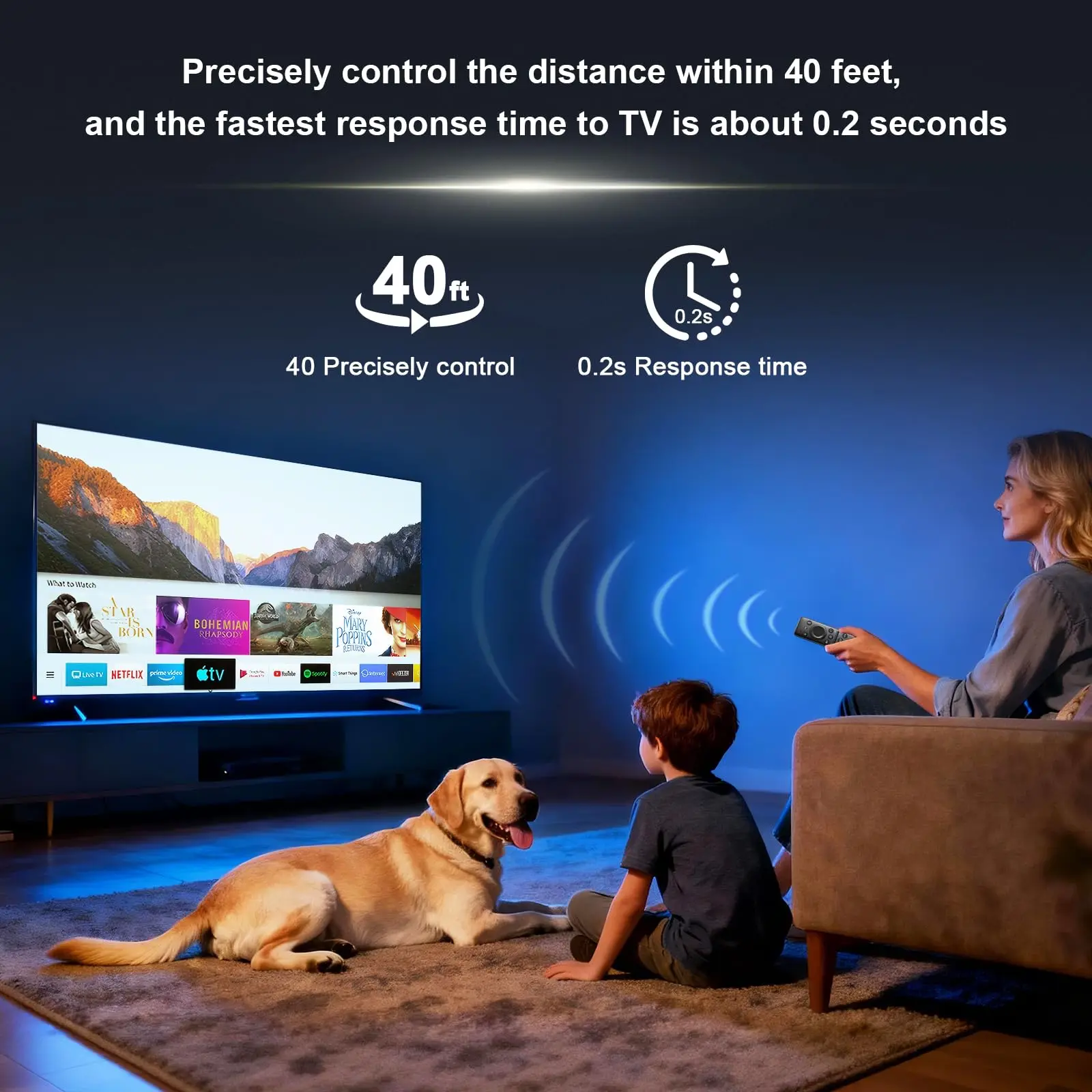
3.【Precision control】This voice remote provides precise voice control over a range of up to 40 inches, allowing you to effortlessly search, start and pause content from anywhere in the room
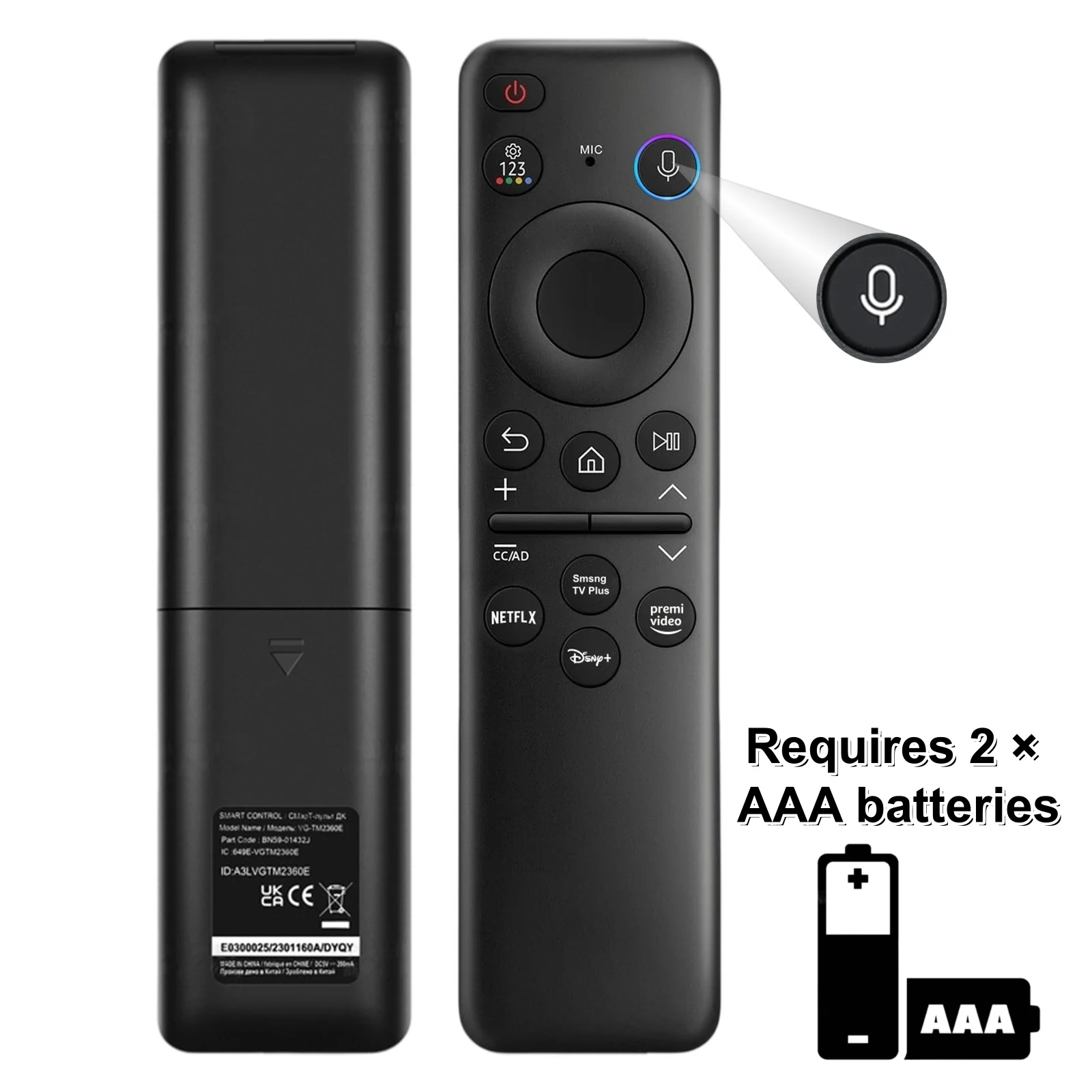
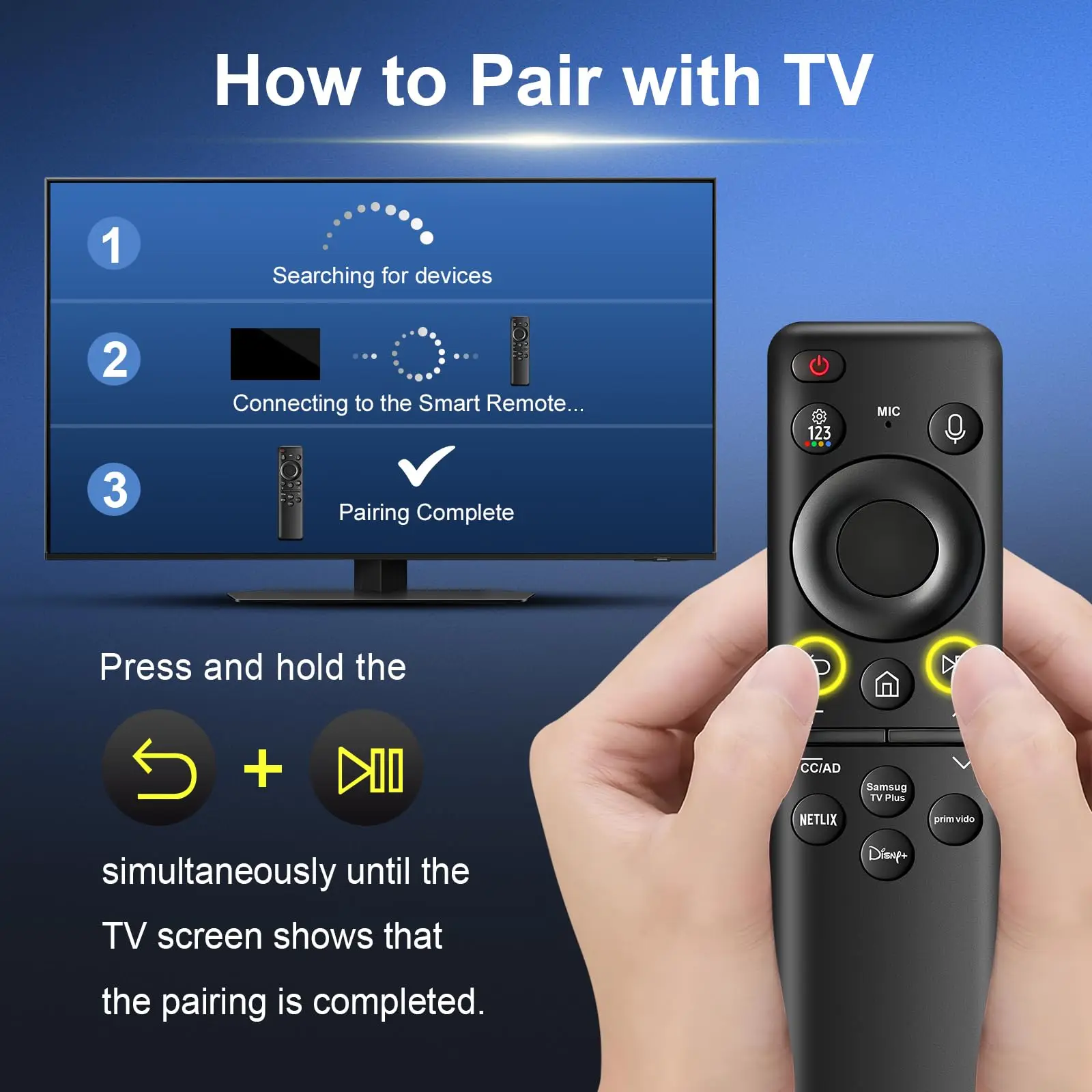
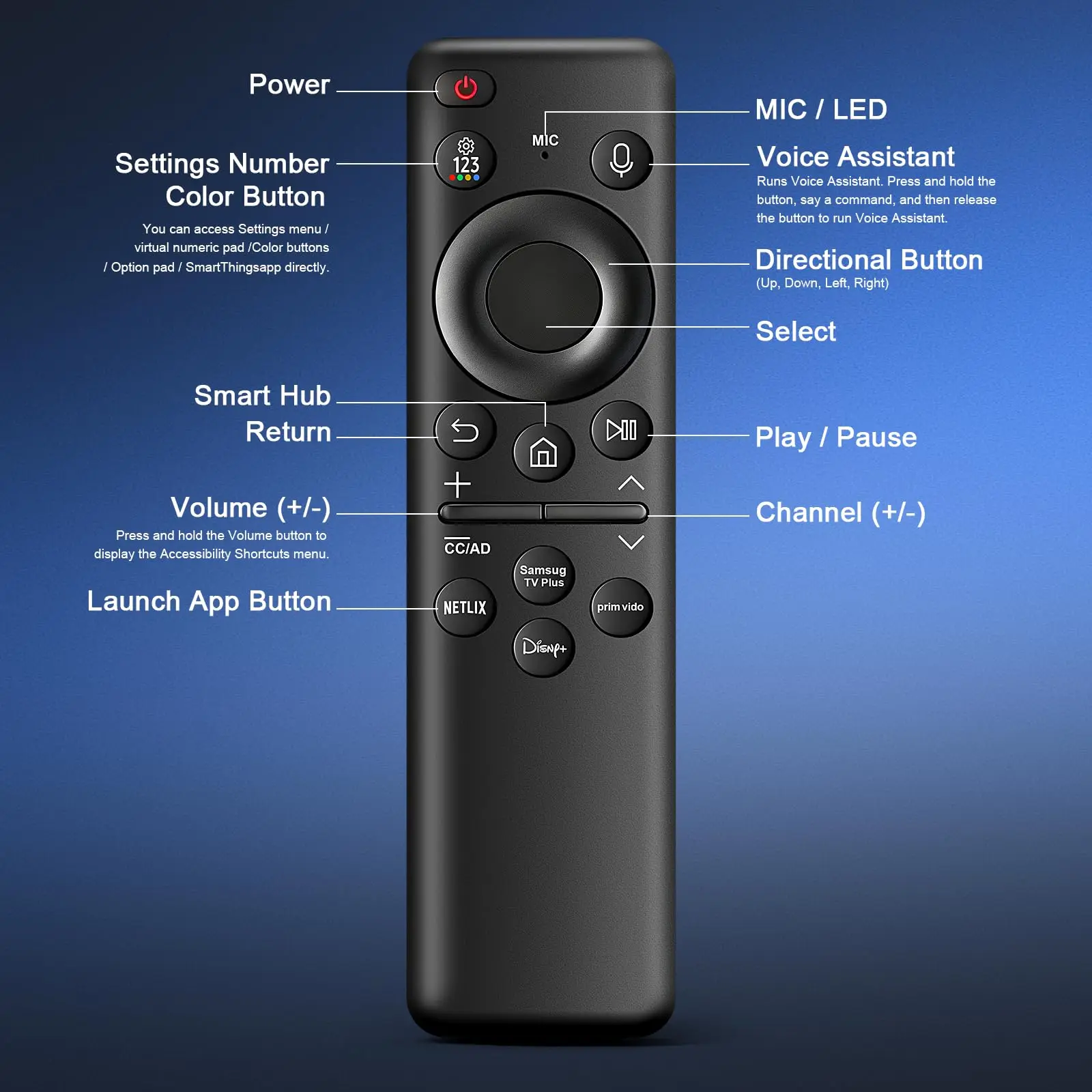
4.【Simple Matching】1)Please charge the remote before first use;2)When the LED indicator goes out, the battery is full. Then press " power" button to turn on the TV;3) Press and hold the“Back”and“Play-Pause” buttons for 5 seconds or longer until the TV screen displays "Pairing is complete". If pairing fails, repeat the process(Charging cable not included)(Included User Manual)
5.【Rugged & Comfortable】Built with High-Quality ABS, Designed for Comfort. Our reinforced silicone buttons endure over 100,000 clicks and are drop-resistant for lasting durability
6.【Quality after-sale support】Your Satisfaction is Our Priority! Questions or concerns? Reach out to us anytime