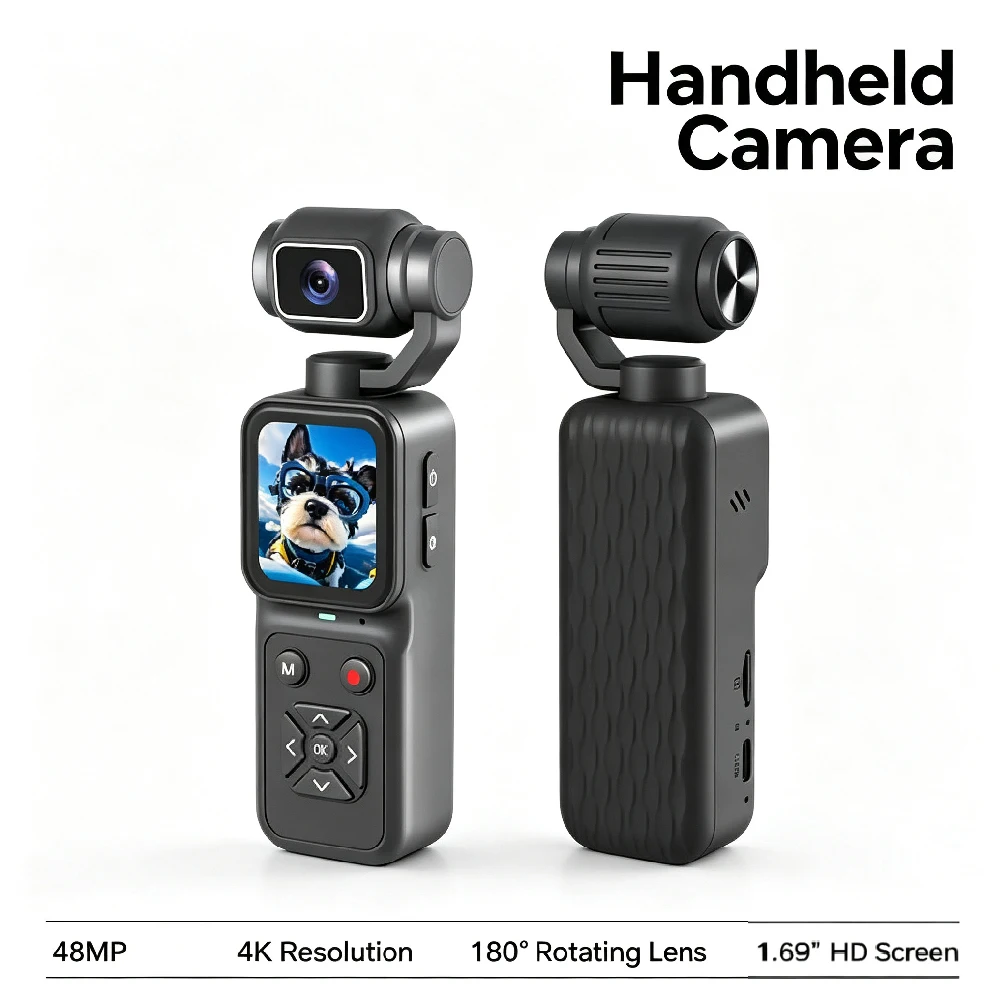
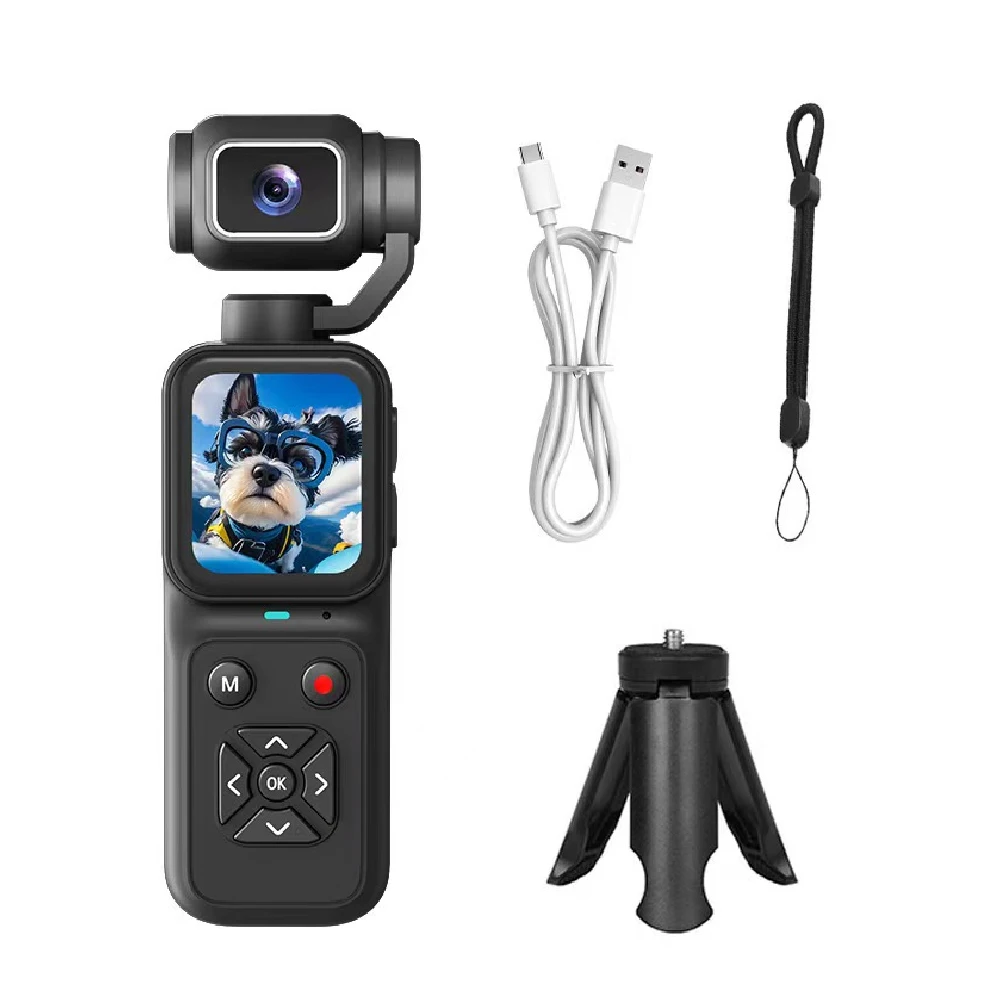
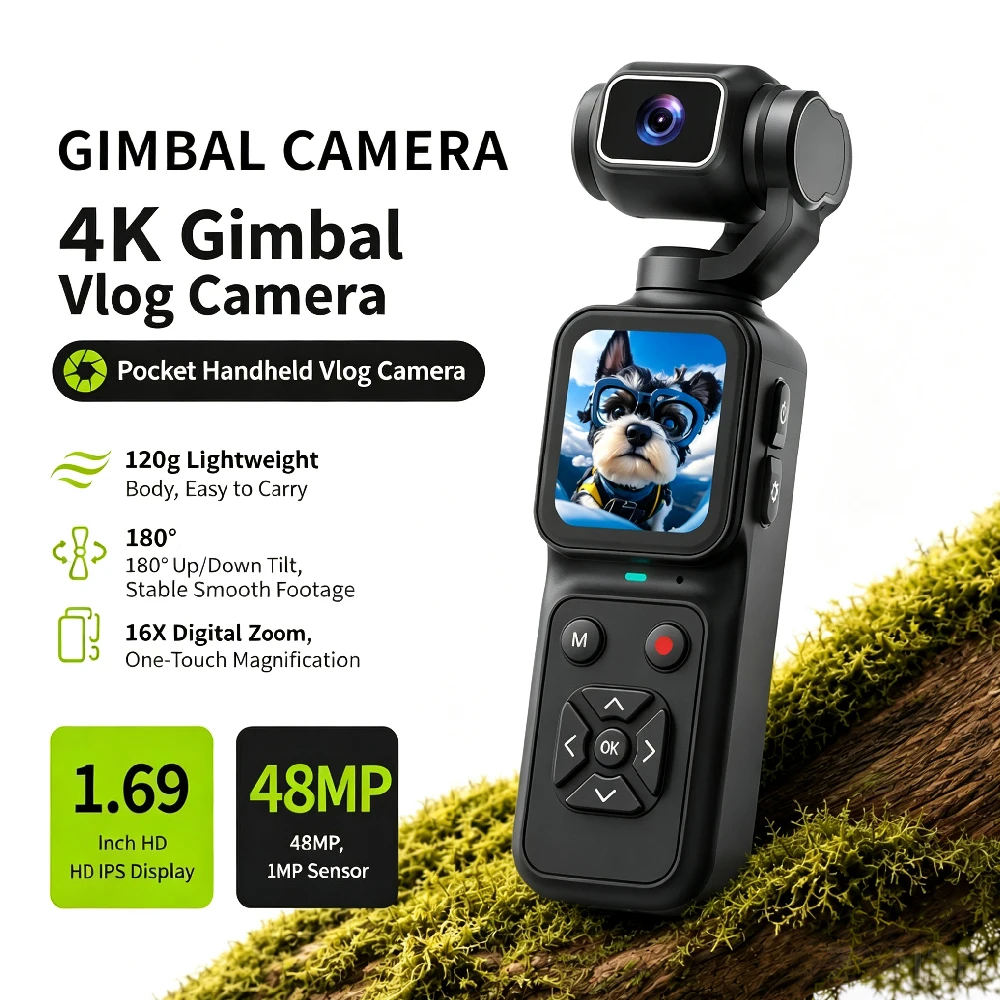
4K Pocket Vlogging Camera, 180° Flip Lens & 48MP Photo,
Gunmetal-128G
1 060,95 kr
Angebotspreis
1 060,95 kr
Normaler Preis
0,00 kr
Zu Produktinformationen springen


4K Pocket Vlogging Camera, 180° Flip Lens & 48MP Photo,
1 060,95 kr
Angebotspreis
1 060,95 kr
Normaler Preis
0,00 kr
SPECIFICATIONS
Battery Included: no
Brand Name: NONE
Camera Stabilization: NONE
Choice: yes
High Definition Support: 480P
High-concerned chemical: none
Model Number: A04647
Power Supply Method: Other
Type: Mini
About this item:
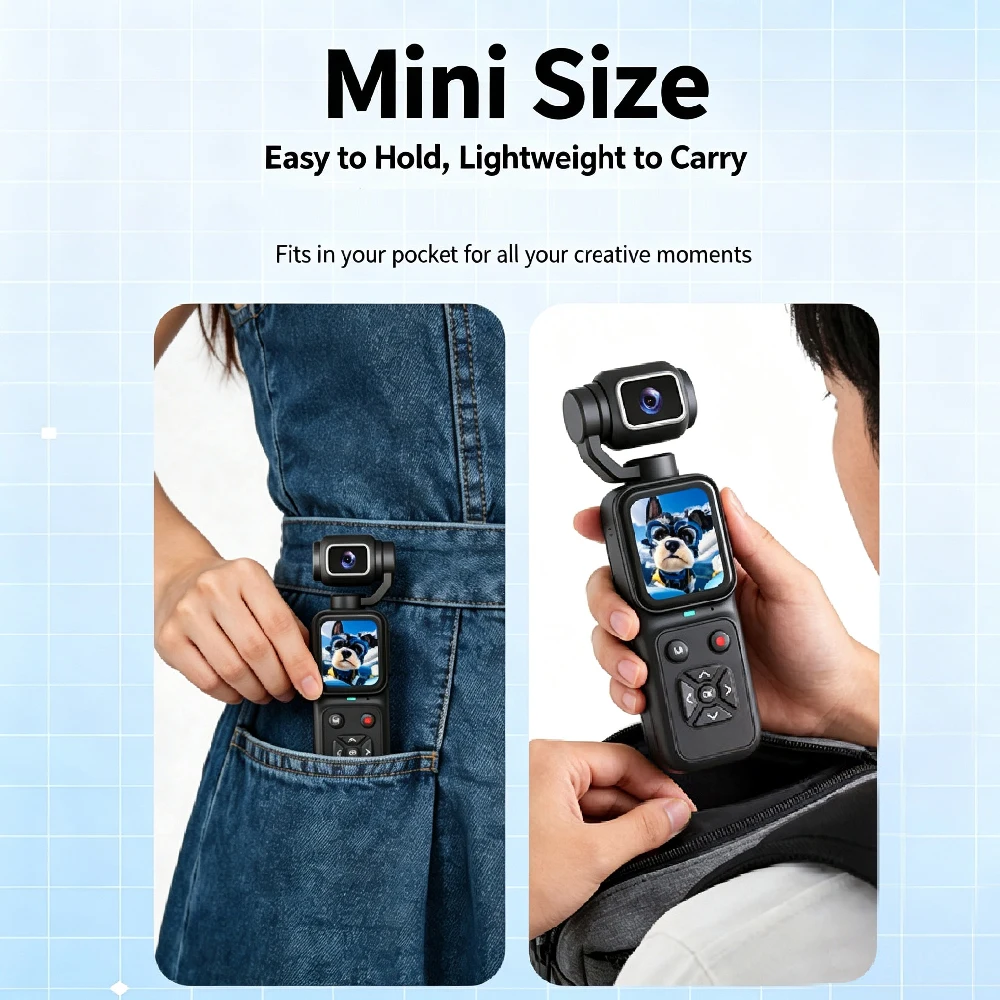
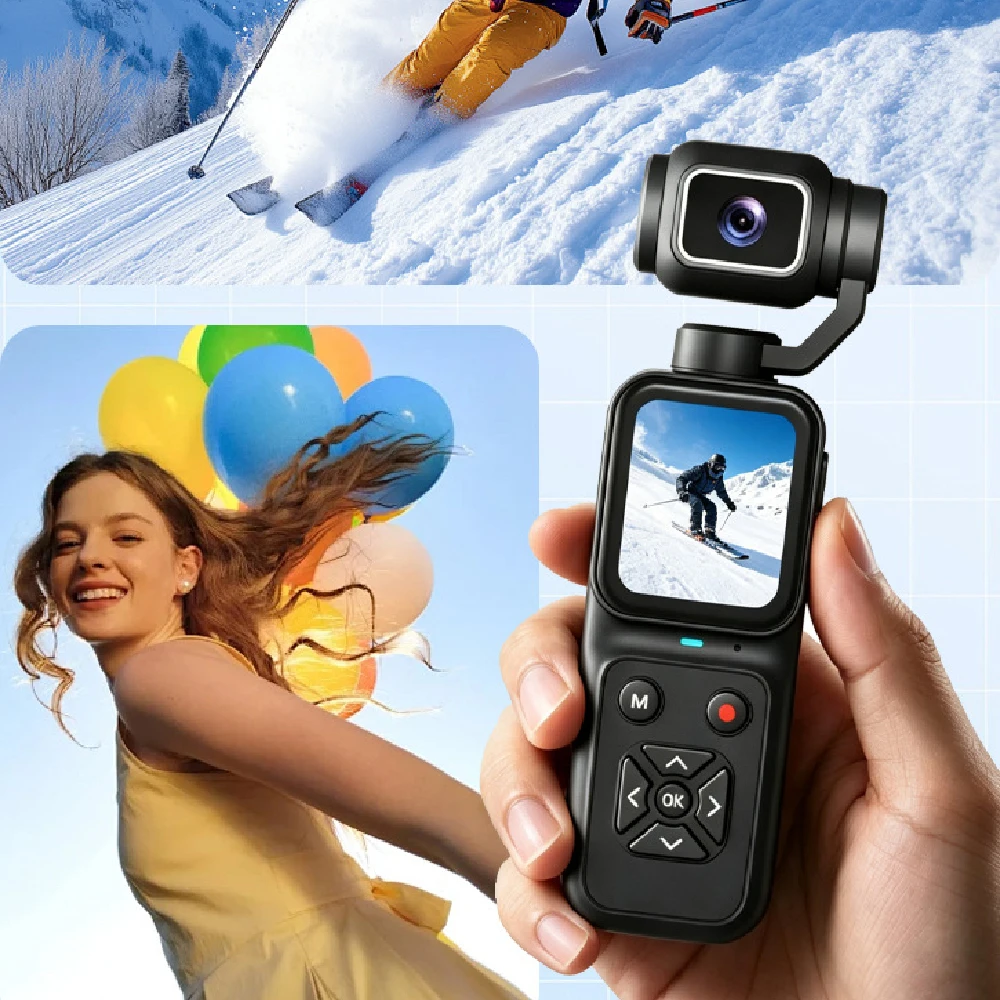
1.【The Ideal Pocket Camera for On-the-Go Vlogging】- ultra-lightweight pocket camera for vlogging slips effortlessly into your jacket pocket or backpack. Whether you are hiking rugged mountain trails, exploring bustling city streets, or capturing spontaneous ideas as a versatile content creator camera, it frees you from bulky gear. This small vlogging camera ensures you travel light and are always ready to shoot your next viral video on the go.
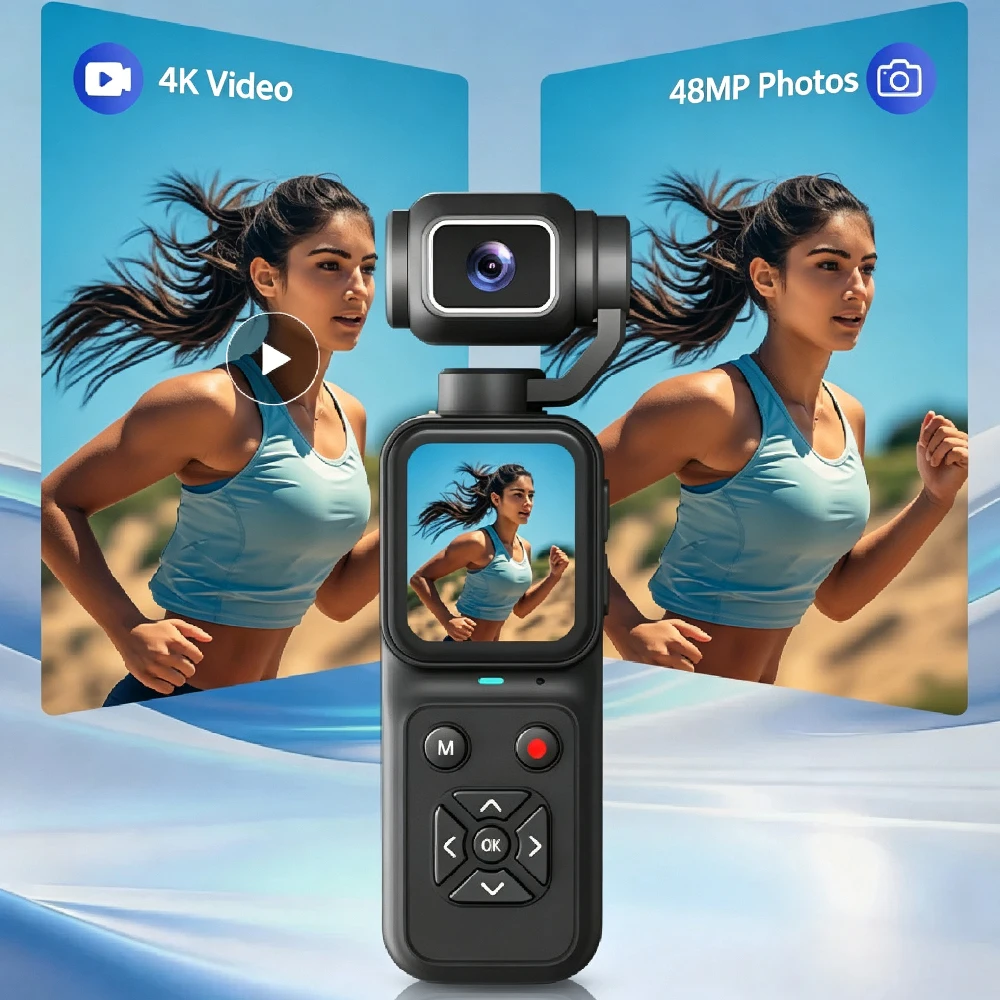
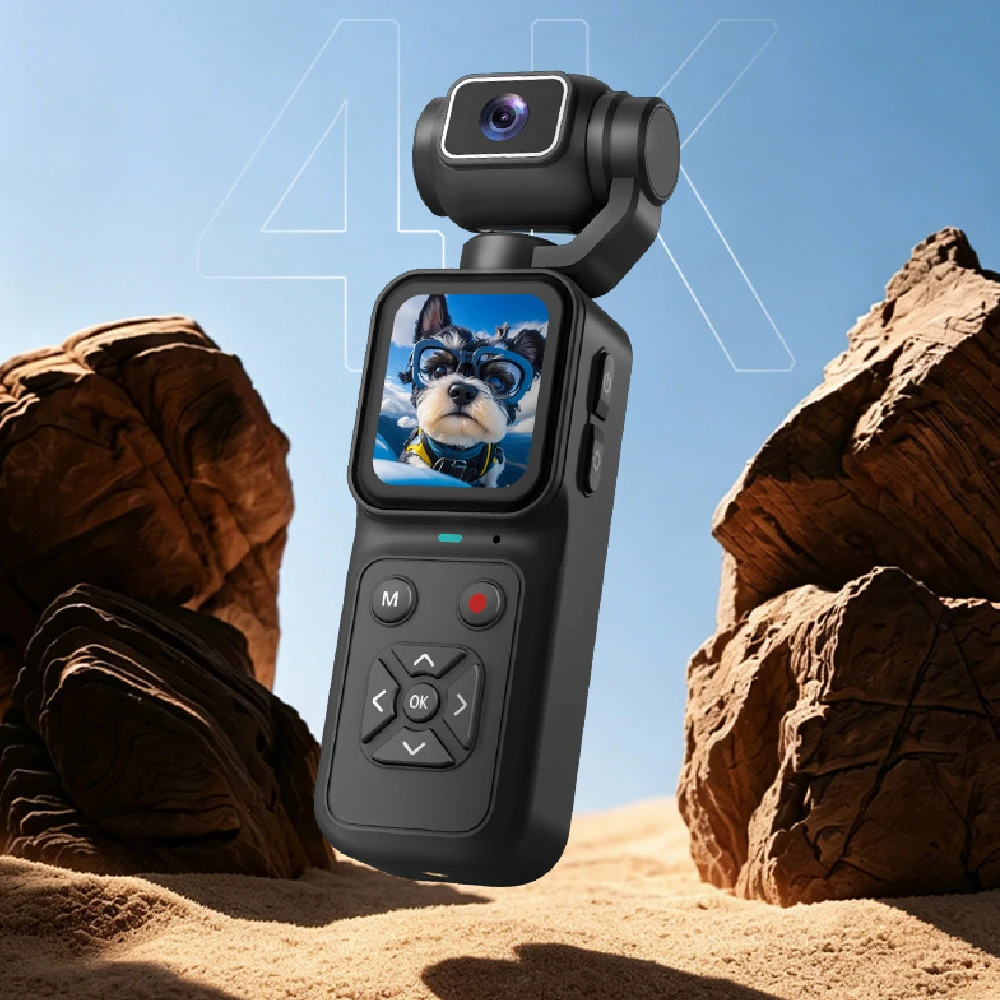
2.【4K Handheld Camera】-Transform any moment into a cinematic masterpiece with powerful handheld body camera and its vlog camera 4k capabilities. Shoot breathtaking footage with this professional vlog camera 4k and capture stunning 48-megapixel photos. From sweeping sunset landscapes on a road trip to the subtlest facial expressions at a family gathering, this high-performance content camera preserves every detail with crisp clarity for impactful storytelling.
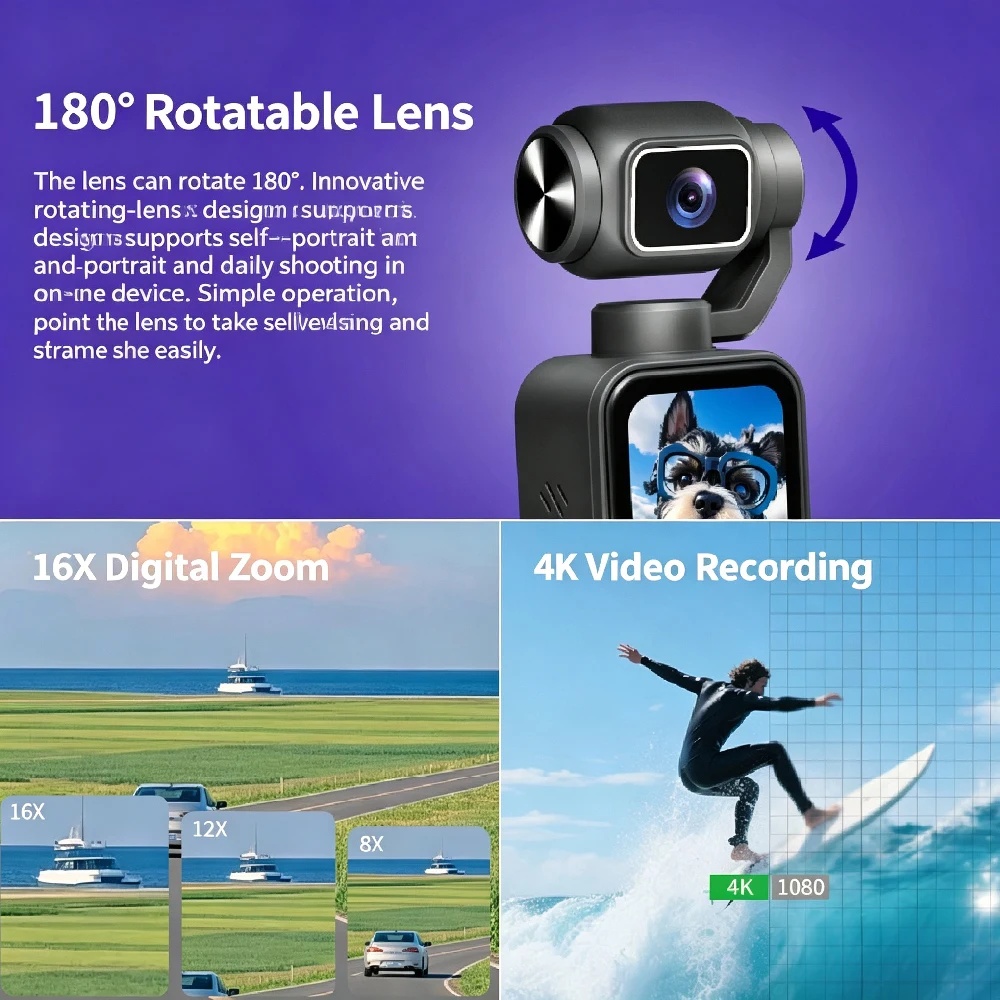
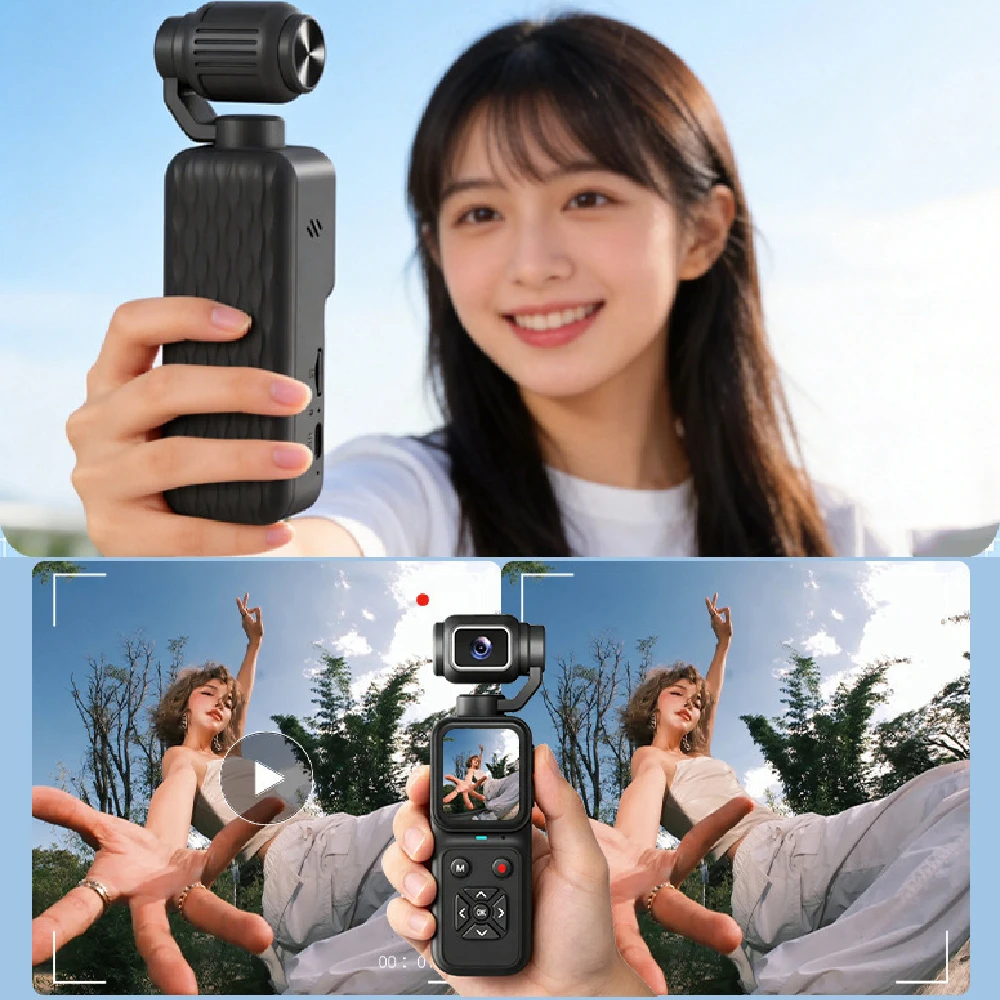
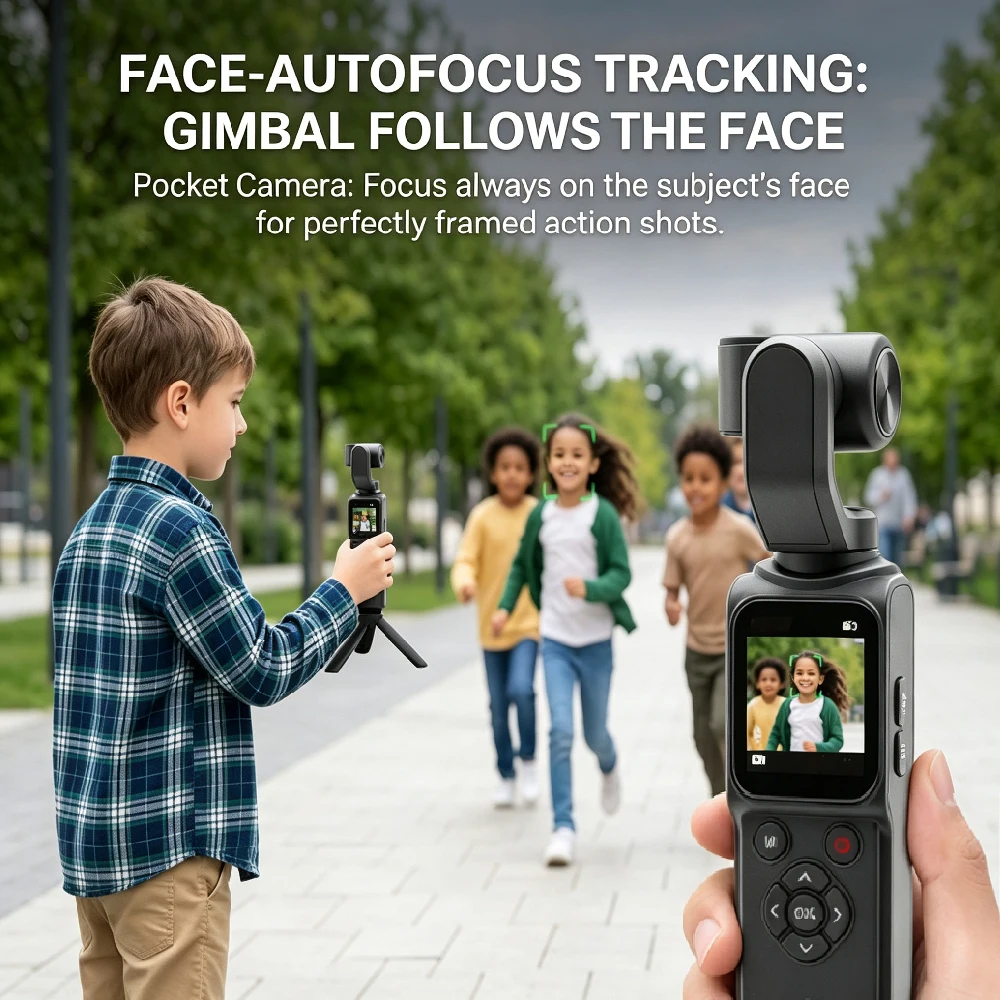
3.【Smart Selfie Camera with 180° Auto Face Tracking】-Elevate your filming game with this premium selfie camera and mini vlogging camera featuring smart tracking. Combined with smart face tracking, it becomes the ultimate selfie camera. Even when you are walking through crowded markets or recording high-energy outdoor activities, this mini vlogging camera automatically keeps you sharply in focus while maintaining buttery-smooth stability.
Menu Settings:
- Language: English, Simplified Chinese, Traditional Chinese, Japanese, Korean, Russian, French, German, Czech, Portuguese, Polish, Dutch, Turkish, Spanish, Thai, Italian, Danish, Swedish.
- Auto Screen Off: Off, 1, 3, 5, 10 minutes.
- AC Frequency: 50Hz / 60Hz.
- Timer Shooting: Off, 2, 5, 10 seconds.
- Continuous Shooting: Off, 2, 3, 5 shots.
- Video Resolution: 720P, 1080P, 4K.
- Pixels: 1M, 2M, 3M, 24M, 48M.
- Loop Recording: Off, 3, 5, 10 minutes.
- White Balance: Auto, Daylight, Cloudy, Tungsten Lamp, Fluorescent Lamp.
- Exposure Compensation: 2, 1, 0, -1, -2.
- Time Stamp: Off / On.
- Screen Brightness: 1 to 8.
- System Volume: 0 to 8.
- Auto Power Off: Off, 1, 3 minutes.
- Time Setting: Year/Month/Day, Hour/Minute/Second.
- Format / System Reset: Confirm / Cancel.
Buttons & Indicators:
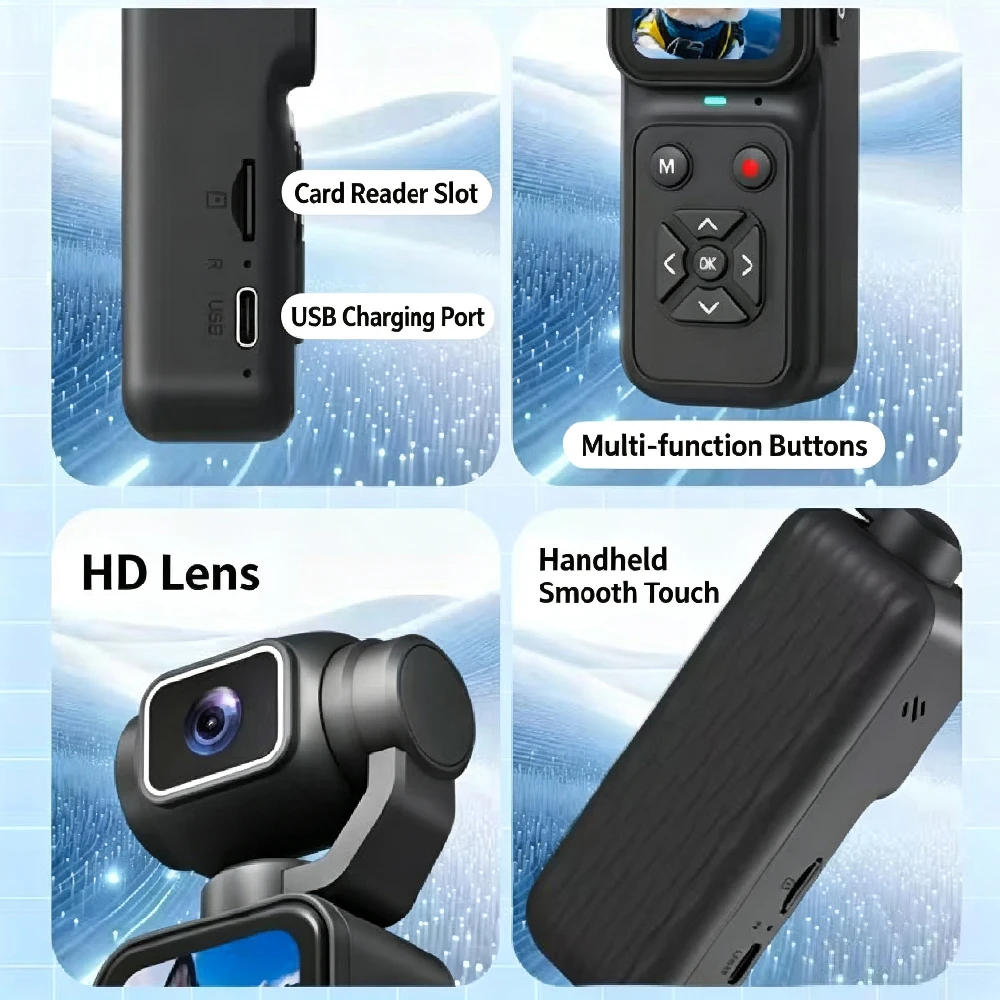
- Power Button: Long press to power on/off. Short press to return.
- Menu Button: Open menu settings.
- Indicator Light: Lights blue during operation.
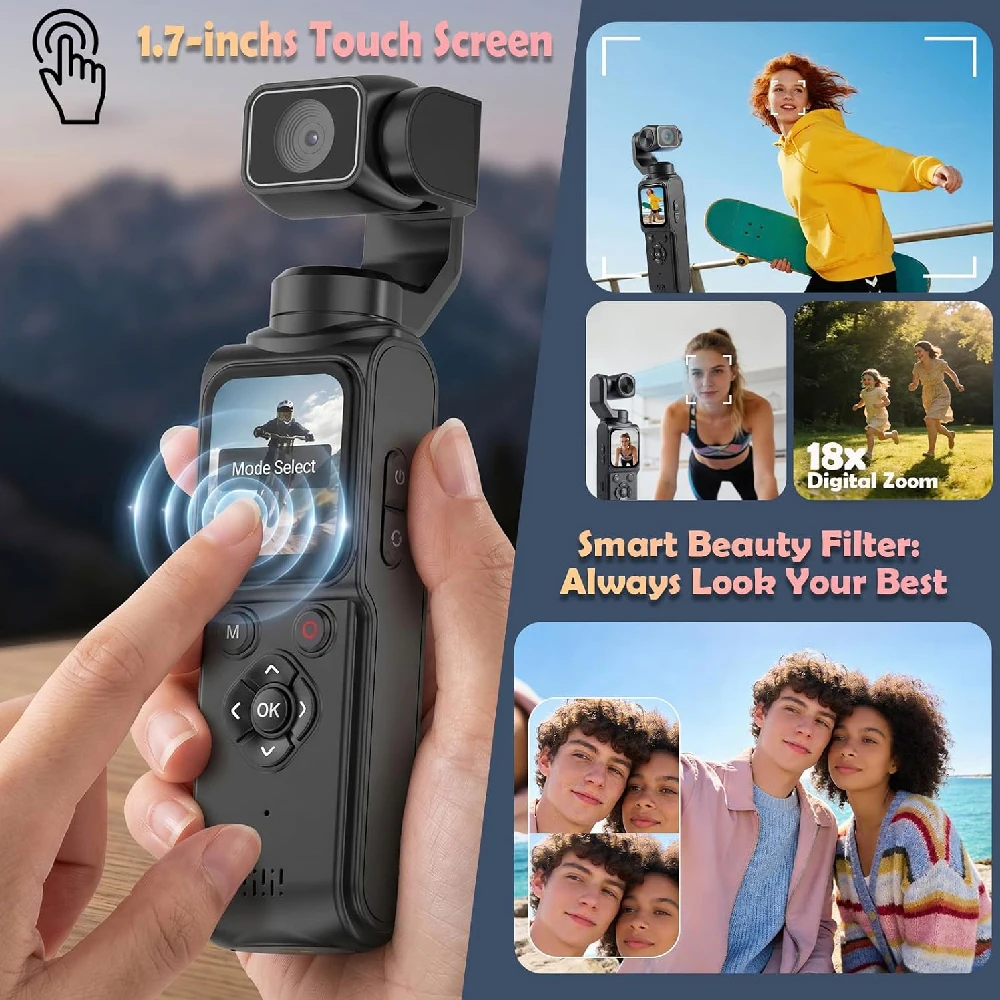
- M Button (Mode Switch): Switch between Photo, Video, and Playback modes.
- Photo Button: Take photos or start/stop video recording.
- Up Button: Select upwards. Short press for step-by-step digital zoom in; long press for continuous digital zoom in.
- Right Button: Select rightwards. Short press to switch filter modes; long press to turn off all filters.
- Down Button: Select downwards. Short press for step-by-step digital zoom out; long press for continuous digital zoom out.
- Left Button: Select leftwards. Short press to switch filter modes; long press to turn off all filters.
- OK Button: Confirm.
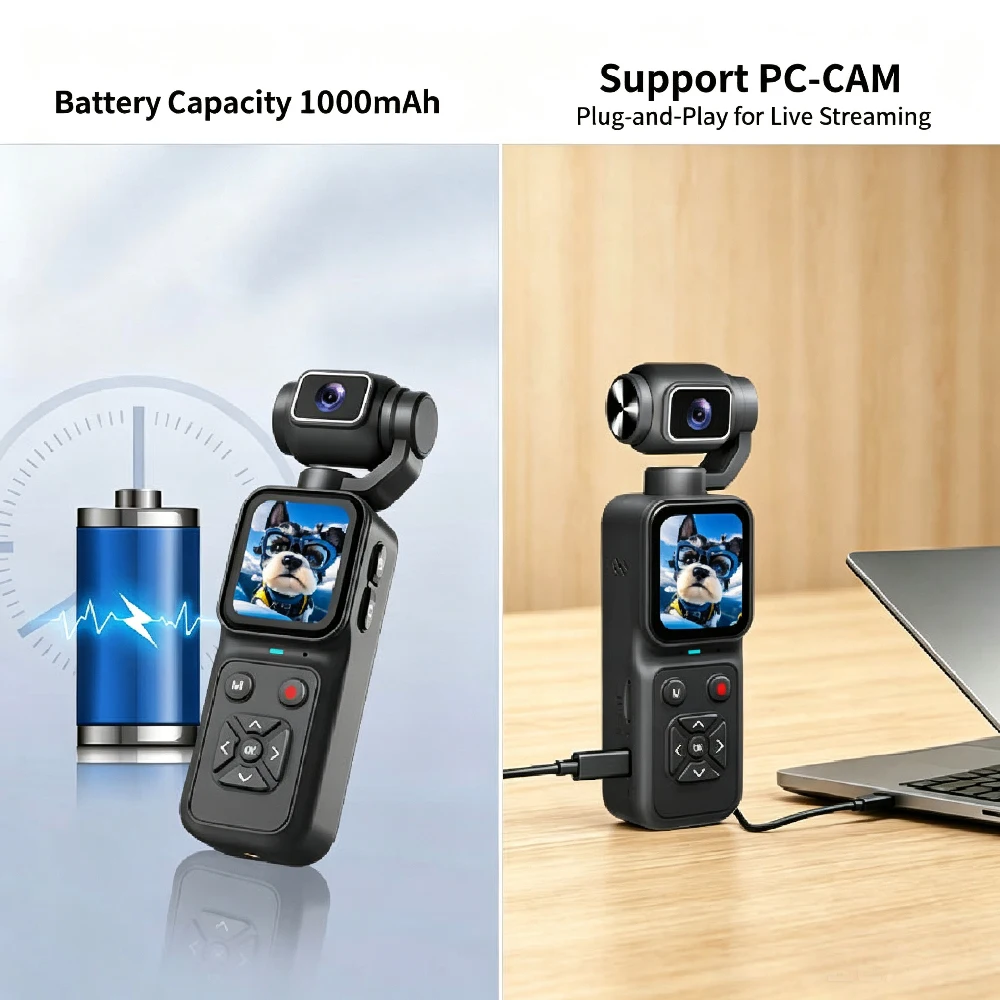
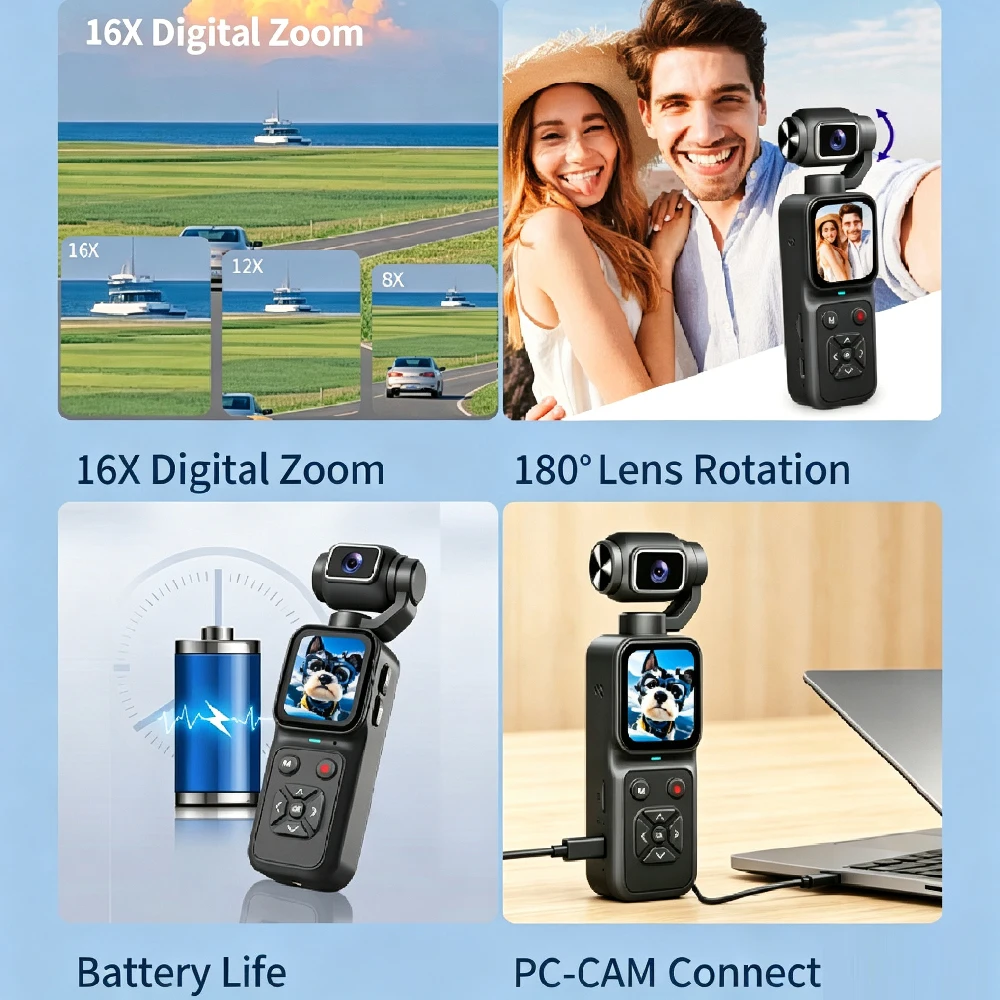
- USB Port: Charge via USB cable, connect to computer, or use as a network camera.
Connecting to a Computer:
- Connect the camera to your computer using the supplied Type-C USB cable. When powered on, a menu will appear on the screen. Use the Up/Down buttons to navigate and the OK button to confirm.
- Memory: Transfers files from the memory card to the computer.
- PC Camera: Uses the device as a network camera for live streaming (Note: It can only be operated via computer in this mode).
Camera Cleaning & Maintenance:
- If the camera will not be used for a long time, charge it at least once a month to extend battery life. Store it in a dust-free, dry place with a temperature no higher than 30°C. Use a clean, soft lens cloth to gently wipe dust and dirt off the lens or screen. This is a precision instrument; do not drop it or subject it to severe impact or vibration.
Troubleshooting:
- Camera fails to power on: Low battery power. Please charge the camera.
- Camera cannot be charged: Ensure the charger is connected properly. - Charging may be slow or unavailable if the ambient temperature is below 10°C.
Camera freezes: Use a pin to press the Reset Hole to reset the camera. - Tip: Do not press the Photo Button rapidly while taking photos or recording videos; a waiting icon will appear under normal conditions.
Memory card cannot be recognized: Ensure it is a Class 10 TF card with a maximum capacity of 128GB. Check if the card is inserted reversely. Format the memory card on the camera before first use.