2026 Android16 Smart TV Box Kowankit 8GB RAM 128GB ROM
Android16 8-128GB / No plug
581,95 kr
Prix promotionnel
581,95 kr
Prix régulier
0,00 kr
Passer aux informations sur le produit


2026 Android16 Smart TV Box Kowankit 8GB RAM 128GB ROM
581,95 kr
Prix promotionnel
581,95 kr
Prix régulier
0,00 kr
SPECIFICATIONS
Bluetooth: 5.0
Brand Name: KowanKit
CPU: Allwinner H313 Quad Core
Category: Set Top Box
Choice: yes
Enclosure material: Plastic
Ethernet: 100M
HDR Standards: HDR10+,HDR10
High-concerned chemical: none
Inbox adaptor: Yes
Internal Storage: 128GB eMMC
Max Output: 4K @ 60 Hz
Max. Extended Capacity: TF Card Up To 128GB
Memory: 8 G DDR3
OS: Android tv
Output Type: Colored
Power Source: DC,DC
Remote Control: Included
Remote controller included: Yes
Supported Internet Services: Prime video,NETFLIX,hulu,YouTube,Google tv,Free Sat/Free View,Explore 3D,Other
USB Ports: 1x USB 3.0
Video Output: HDMI-Compatible 2.0
Voltage range: USB (5-20V DC)
Wireless: Yes
2026 New T1 4K HD TV Box Android 16.0 RK3518 Quad Core 8GB RAM 128GB ROM Dual Wifi 2.4G/5.8G Home Theater Media Player

Product Applications
-
Watching High-Definition Videos:Supports 4K@60fps high-definition video decoding, presents delicate and realistic picture quality effects, allowing you to enjoy cinema-level viewing experience at home.
-
Playing Games: Supports hardware 3D graphics acceleration, making the game picture more smooth and realistic.
-
Browsing the Web:Built-in Chrome browser, browse the web anytime, anywhere.
-
Using Applications:Compatible with a large number of applications, meeting your various entertainment needs.
-
Office and Learning: Can connect a keyboard and mouse, making office and learning more efficient.

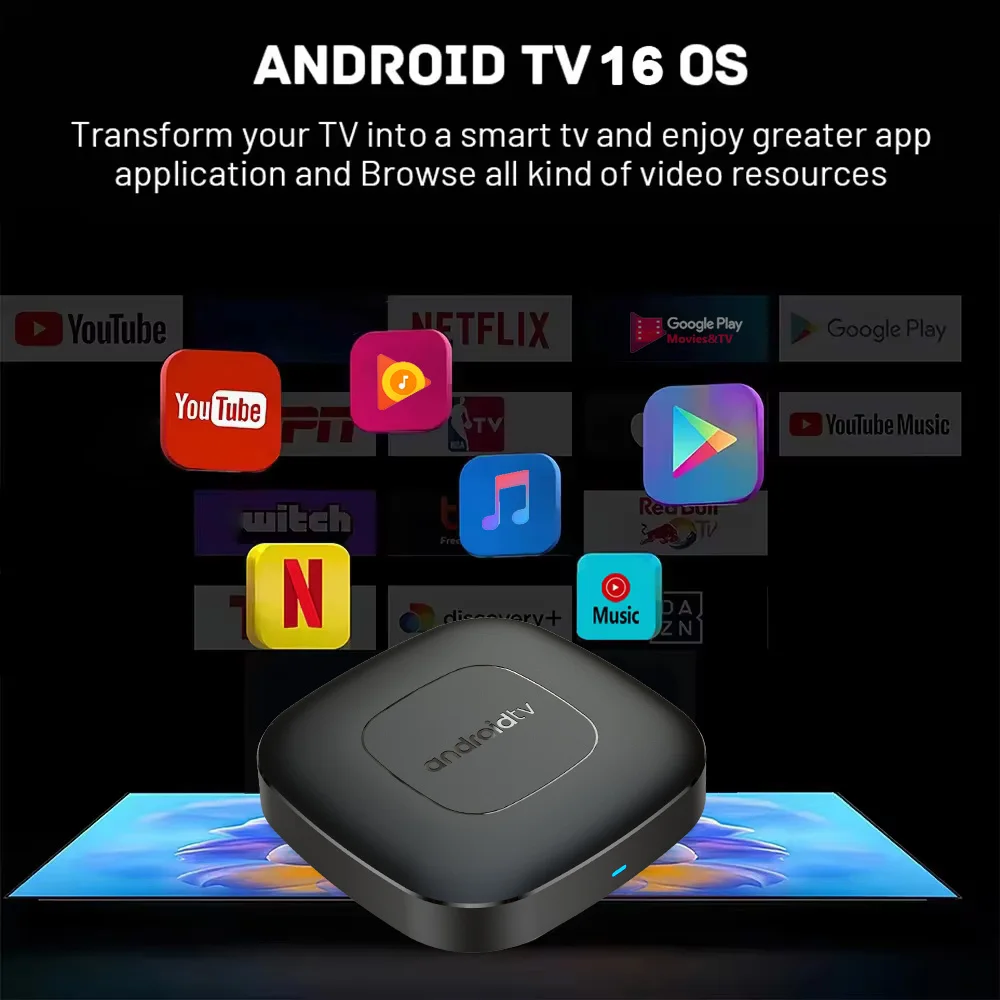
Android 16.0
Higher quality output, Powerful graphics processor, Stable performance
 Special Notes
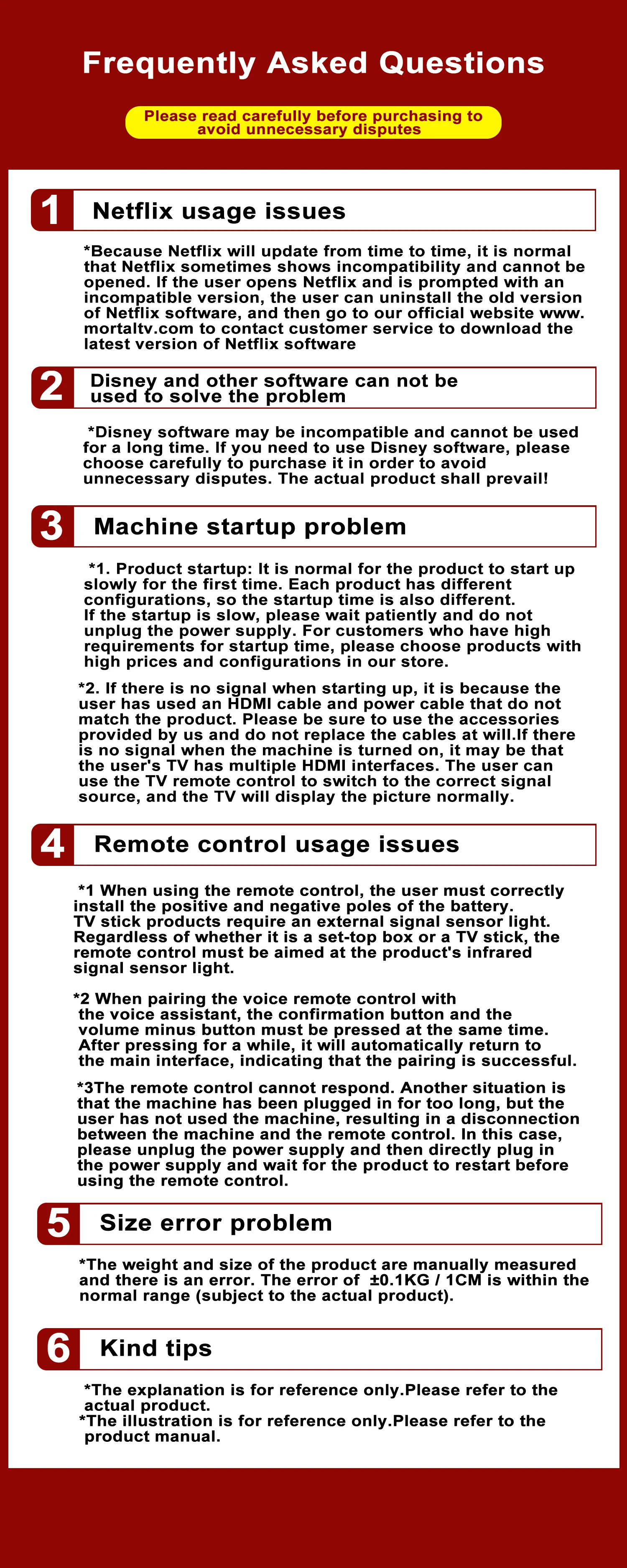
1.The T1 machine comes with two Netflix applications: ATV version of Netflix (white icon Netflix) and Amobile version of Netflix (black icon Netflix). Currently, the black icon Netflix is relatively stable, and users can directly use this version with the remote control mouse mode. When entering the account password, the remote control needs to be switched to the remote control mode, and the mouse mode is required at other times. If you have any questions about use, please contact customer service to ask for specific usage videos.
2. Due to strict regional restrictions, Disney applications are not compatible. Our developers are constantly developing more Disney-compatible versions.Once a new version is available, we are willing to send it to customers as soon as possible.Currently Disney is not available. If users mind, please do not purchase it.
3. If some applications fail to load when users download them, it is because the downloaded application version is incompatible with the Android system of the machine, not a machine quality issue. Please try again to find a more suitable program version for download.
 Allwinner H313
Strong SoC for smoother operation and clearer image quality effects.

 Smart Voice Control
 One click voice operation, say what you want
 HDR 10High Dynamic Range
Make the picture display more vivid and beautiful.
 Multi Screen Sharing
Easily share the small screen to the large screen.You can play games and watch You can play games and watch
 Dual band WiFi
2.4G and 5G dual band WiFi, with good compatibility, fast network speed, and smoother performance
 Dolby Vision & Dolby Audio
Experience lifelike clarity and color with Dolby Vision and Dolby Audio for a fully immersive experience.
 Rich interface simple connection
Small interface big effect, can meet various entertainment needs
 Package Include:
HDMI Cable*1
Remote Control*1
USB Charger*1
User Manual*1
 How to use Google Voice Assistant,? How to use Bluetooth voice remote, microphone?
Step 1: Tap the voice button and release it.
Step 2: Wait until the voice input pop-up box appears in the lower right corner of the TV, then long press the voice button and input voice commands at the same time (press and hold the voice button and speak into the microphone).
Step 3: After the voice command is input, release the voice button (release the voice button after speaking).
Step 4: The machine will automatically perform corresponding actions based on the voice command.